
- Authors

- Name
- Kai Kang
- Role
- Staff Software Engineer @ Meta · Solo App Builder
This post documents my current Agentic Engineering tool stack — all the software I use for personal development (regularly updated).
Legend: ⭐ = my current primary / default choice
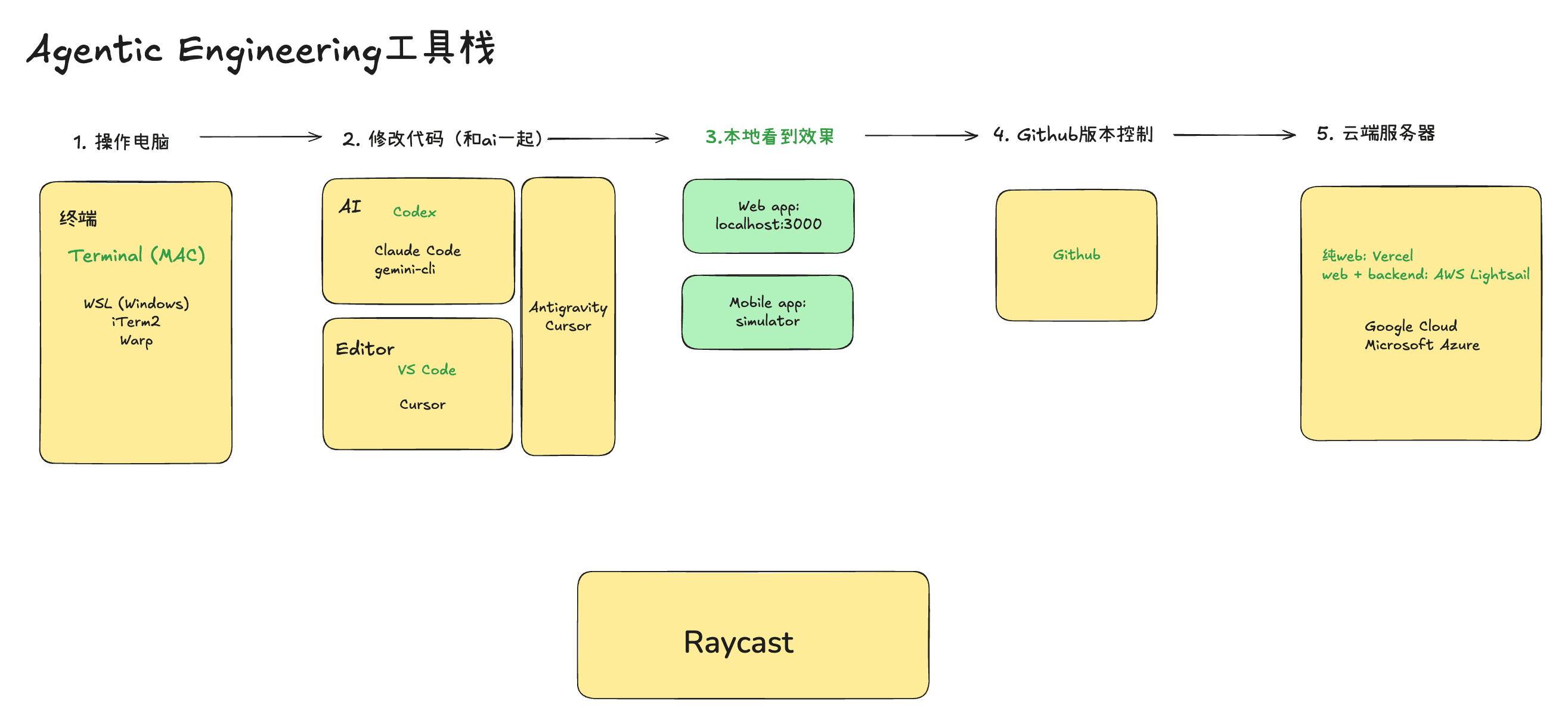
1) Computer Operations (Improving Efficiency)
Terminal
The terminal lets you operate your computer quickly, bypassing GUIs and mouse clicks. Essential for vibe coding. I'm not picky — I use whatever feels right.
- ⭐ Mac Native Terminal (system default)
- iTerm2
- WSL (Windows): Windows Subsystem for Linux
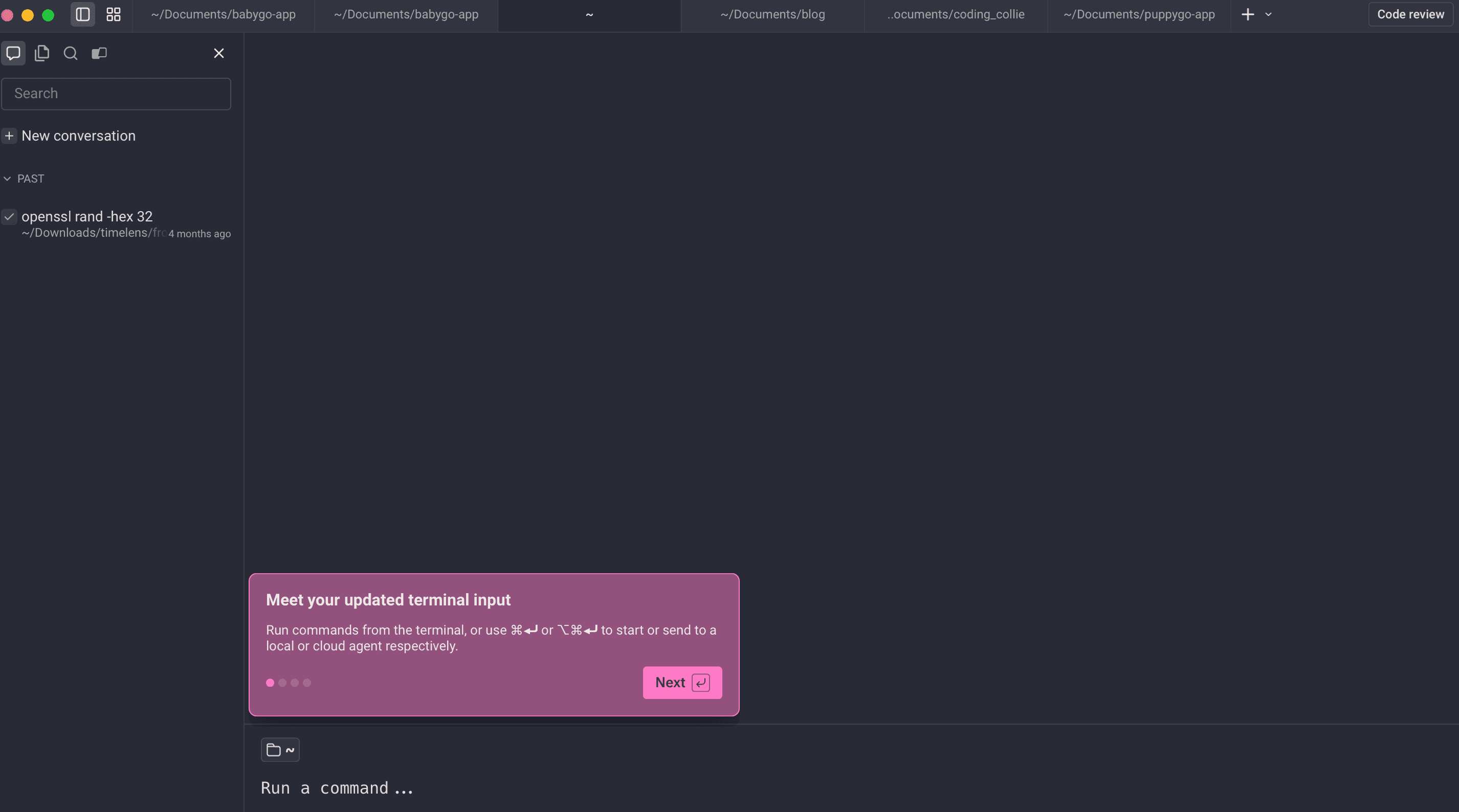
- Warp (AI-assisted) Warp is interesting: it integrates an LLM, so the interaction model is different. It sometimes auto-corrects your input errors, but has some non-standard behaviors (like right-arrow auto-completion) that take getting used to.
Window Management / Split Screen
Multiple screens and split views are practically mandatory during vibe coding sessions. I used to rely on third-party tools, but now I mostly use native macOS features.
- ⭐ macOS Native Split Screen / Stage Manager
- Rectangle
- ⭐ iPad (as secondary screen) Not software per se, but excellent for: running the iOS Simulator, testing webpages, or keeping documentation open.
Assistant Tools (Efficiency / Clipboard Management)
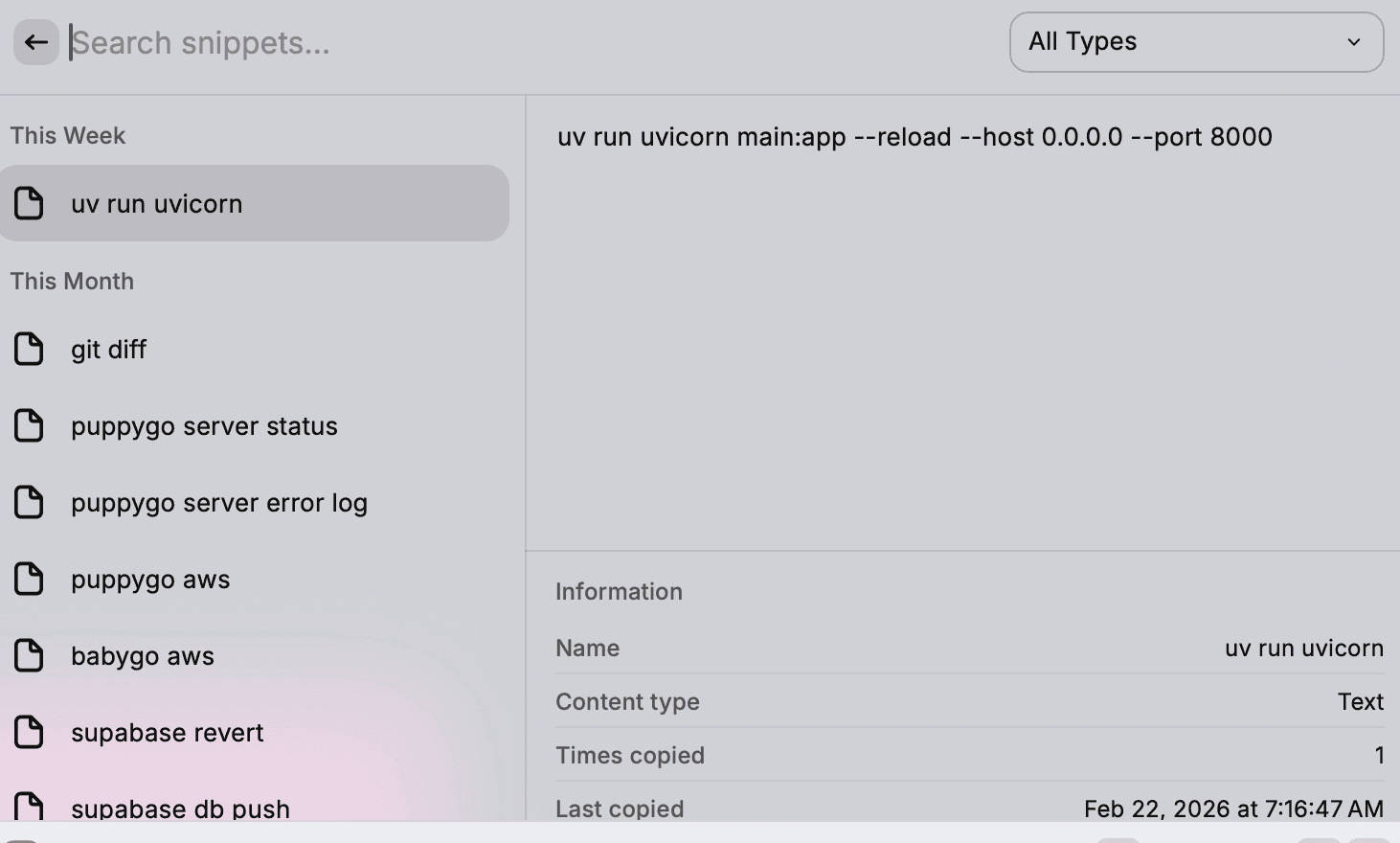
- ⭐ Raycast I use it to store my most-used command-line snippets and prompt templates — essential since no one can memorize every CLI command. It also serves as my app launcher.
- Alfred (used extensively in the past)
2) Code Modification (Local Editing & AI Code Changes)
In the AI era, there are two main ways to modify code locally:
- Edit manually in a code editor
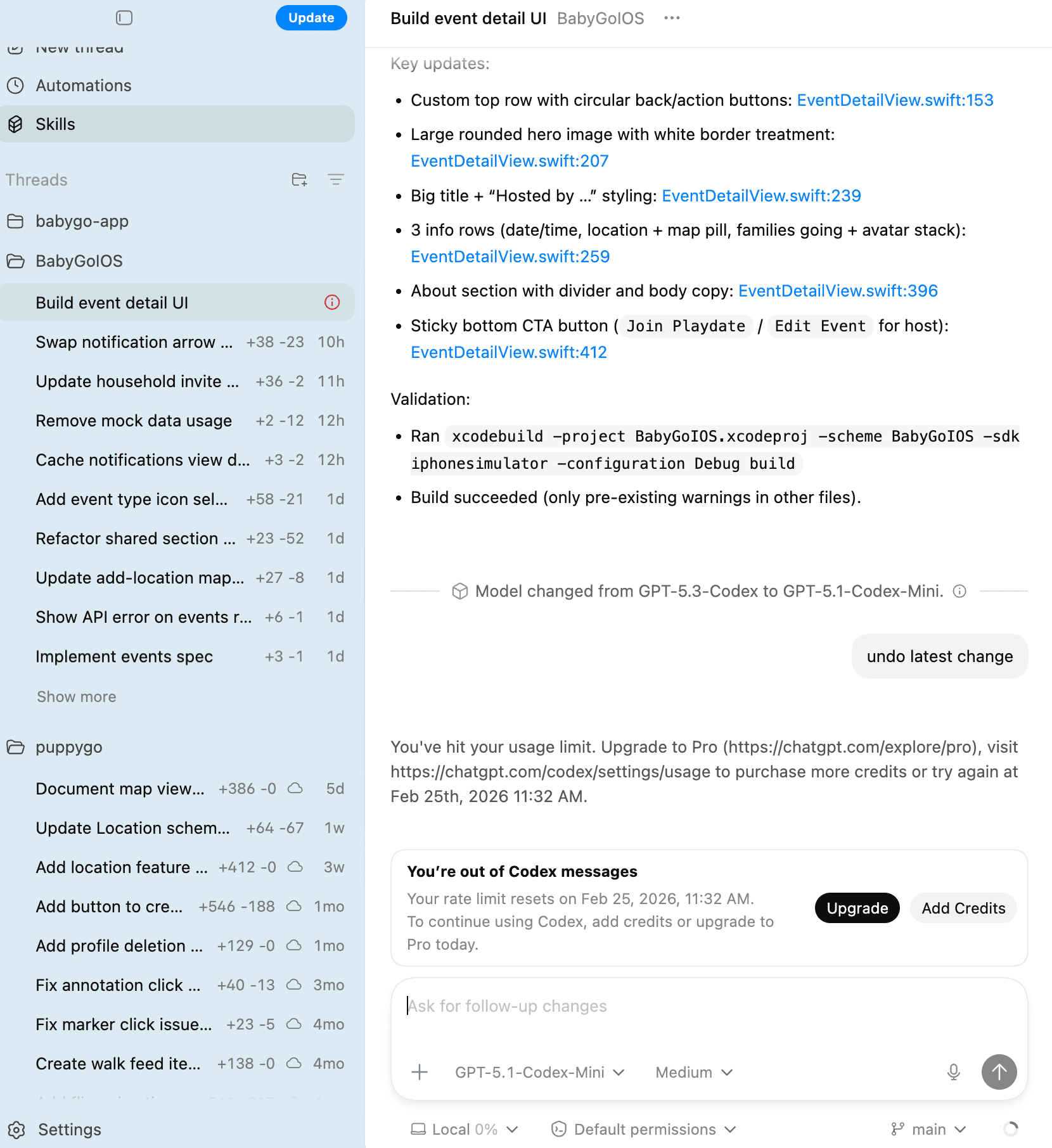
- Let AI tools (Codex Mac App / Claude / Gemini) make changes via command line
Both achieve the same goal: modifying code. My choice: Codex Mac App + VSCode.
- ⭐ Visual Studio Code (VSCode) From emacs/vim to Atom and beyond — VSCode is now the mainstream choice for programmers.
- ⭐ Xcode Essential for iOS development, though it has its usability quirks (you know what I mean).
- ⭐ OpenAI Codex
- Claude
- Gemini
- Cursor
3) Local Testing
Testing APIs / Debugging Requests
- ⭐ Google Chrome (no explanation needed)
- ⭐
curl(command-line tool) - Postman (API testing)
4) Version Control & Continuous Deployment (CI/CD)
Essentially the only choice: GitHub Actions for cloud deployment, pre-commit hooks for local submission checks and testing.
5) Cloud Servers / Hosting
For a pure Web App: Vercel is enough. If you have a backend: choose from AWS / GCP / Azure / DigitalOcean. DigitalOcean is simple; AWS is cheaper but less beginner-friendly. I deprioritized GCP because I want my Chinese friends to be able to use my apps too (accessibility matters).
Last updated
- 2026-02-09